Show HN:ManimGX——基于 Rust/wgpu 引擎、兼容 Manim API 的 Python 3D 视频工具
英文标题:🔶 Show HN: ManimGX – Manim's API on a Rust/wgpu engine, for 3D videos in Python
ManimGX 是一个以 Rust 和 wgpu 为底层的 3D 动画引擎,目标是兼容 Manim Community Edition(Manim CE)API,并面向 AI Agent 驱动的 Python 视频创作流程。项目声称,在 Apple M4 Pro 上渲染五个总时长 36.2 秒的 1080p60 场景仅需 3.08 秒,较 ManimCE 快 90.6 倍、较 ManimGL 快 11.5 倍。开发者可通过 pip、npm 或让 Claude Code、Codex、Cursor 等 Agent 根据 llms.txt 自动完成安装和场景生成。ManimGX 支持浏览器内运行、WebGPU 渲染、LaTeX/Typst 排版、语音同步动画及用于 Agent 检查的 storyboard 与布局检查能力。
 1.1 KB
 42.2 KB
 42.2 KB
 1.3 KB
 1.2 KB
 1.2 KB
 1.4 KB
 1.3 KB
 664.8 KB
 1.0 MB
 4.9 MB
 522.4 KB
 4.4 MB
 2.8 MB
 1.1 MB
 4.4 MB
 1.0 MB
 3.0 KB
 3.0 KB
 65.0 KB
中文
面向 Agent 的极速 3D 动画引擎,兼容 Manim CE 的 API。
由 Rust 和 wgpu 驱动。可通过提示词或 pip 安装,也可在浏览器中运行。
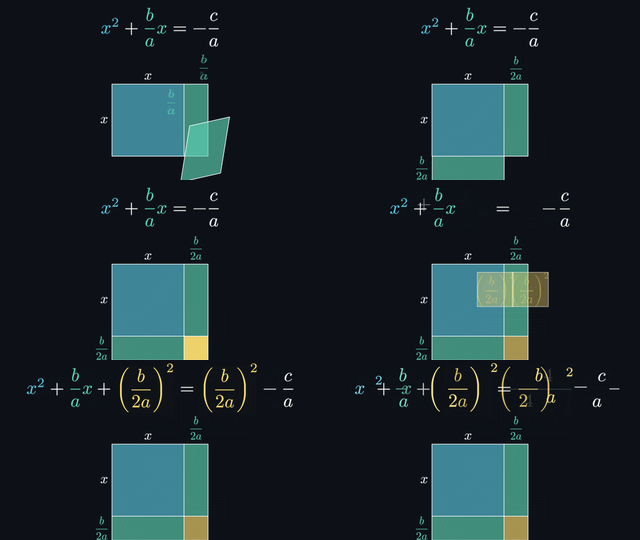
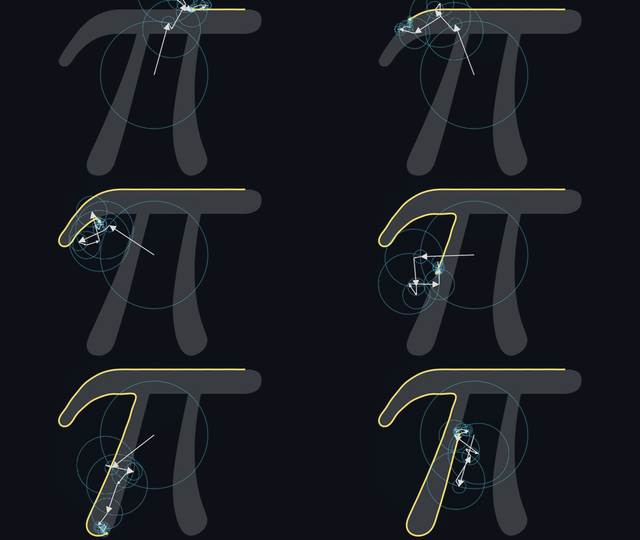
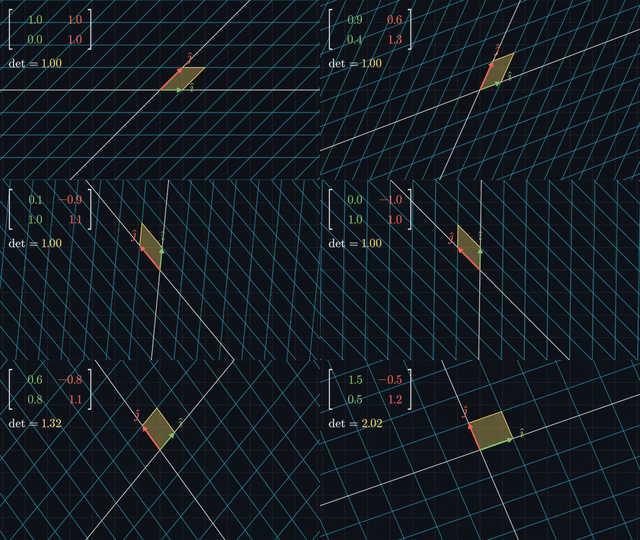
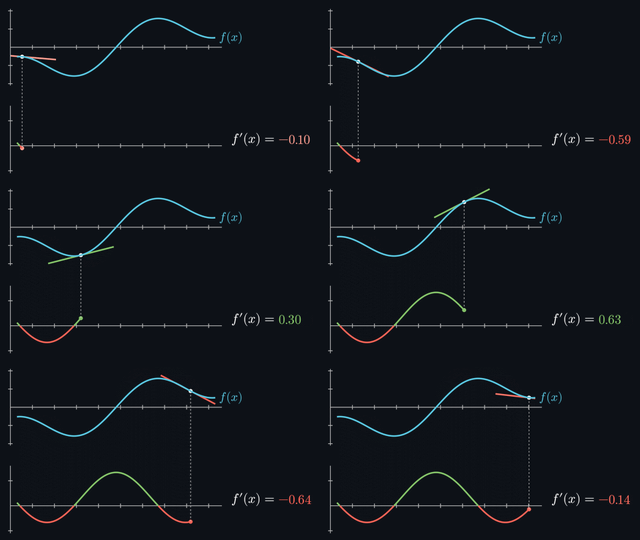
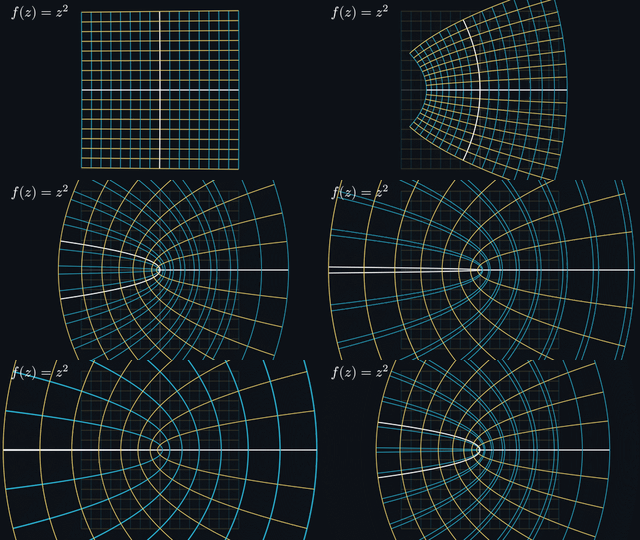

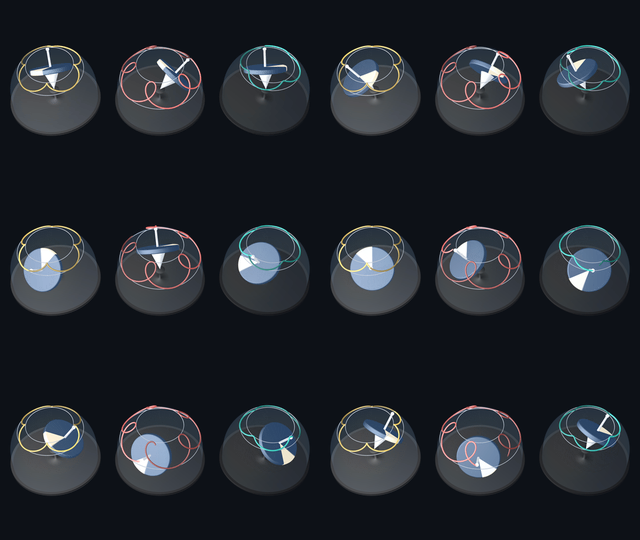
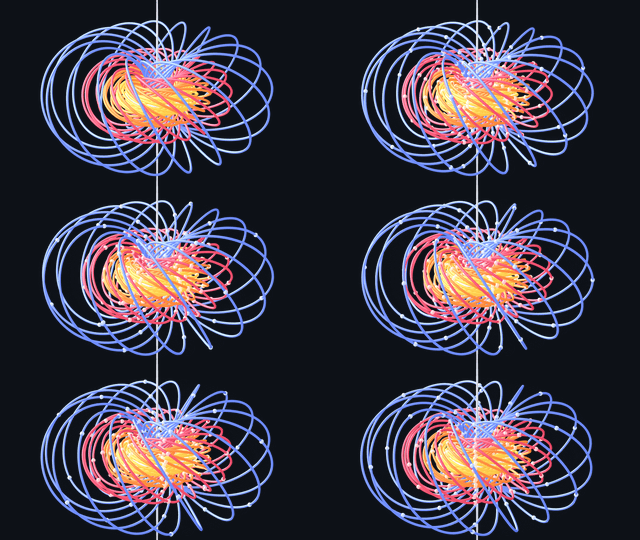
36.2 秒视频,3.08 秒完成渲染。 在 Apple M4 Pro 上以 1080p60 渲染五个场景时,从启动到生成最终 MP4,ManimGX 比 ManimCE 快 90.6 倍、比 ManimGL 快 11.5 倍、比 Blender Workbench 快 18.7 倍。测量方法:包括场景、设置和每一次运行记录。
所有引擎均采用可用的最快编码预设。数值越低越好。
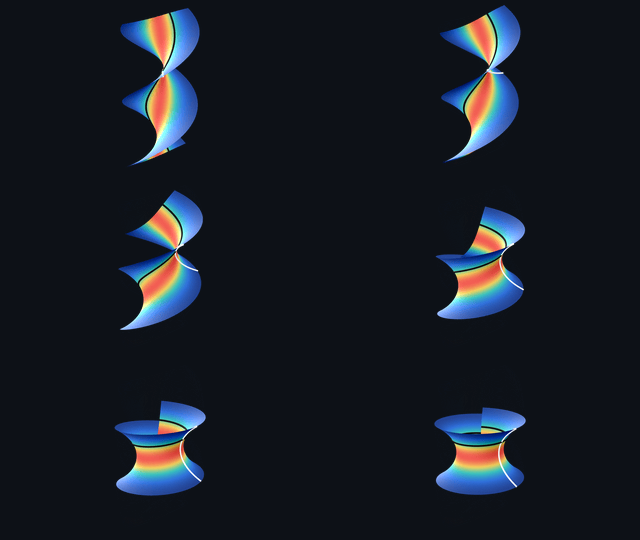
比较同一个场景。 各引擎渲染的 2.5 秒处相连圆环画面。
| ManimGX | ManimCE | ManimGL | Blender Workbench | Blender EEVEE |
|---|---|---|---|---|
使用提示词。 将以下内容粘贴到 Claude Code、Codex 或 Cursor 中。你的 Agent 会负责配置:
Follow https://manimgx.academa.ai/llms.txt.
Install ManimGX, make a 3D animation of the solar system, and open it.
使用 pip。 在安装 Python 3.13+ 的 macOS、Linux 或 Windows 上安装:
字体、排版和视频编码均已包含。如需编辑器配置和有引导的首个动画,请参阅快速开始。
将以下内容保存为 scene.py:
import manimgx as m


class Hello3D(m.ThreeDScene):
    def construct(self) -> None:
        self.set_camera_orientation(phi=65 * m.DEGREES, theta=-45 * m.DEGREES)
        self.begin_ambient_camera_rotation(rate=0.5)
        cube = m.Cube(side_length=3, fill_opacity=0.3, stroke_width=2)
        self.play(m.Create(cube), run_time=2)
        self.wait(4)
渲染它:
你将得到 Hello3D.mp4,一段 1080p60 视频:
Agent 时代的 3D 视频 API。 你的 Agent 使用 Manim CE 的 API 编写 Python。ManimGX 的 Rust + wgpu 引擎会以极快速度渲染 MP4。
- 完全静态类型化。 支持关键字参数和
.animate链式调用。 - 2D 与 3D 一体化。 曲面、网格和运动相机可与文本、方程式和图表共同使用。
- 可在浏览器中运行。
npm install manimgx。Pyodide 在 Web Worker 中运行 Python;WebGPU 渲染场景。无需渲染服务器,即可嵌入场景。 - Agent 反馈。
manimgx inspect:可在播放结束时或自选时间点生成分镜和 2D 布局检查。 - 文本与数学公式。 可编写 LaTeX 或 Typst,无需安装 LaTeX。
- 同步语音。 通过
self.say(),可让动画匹配口语词语。
manimgx.academa.ai 提供指南、带源代码的已渲染示例及 API 参考:
- 快速开始:安装、配置编辑器并渲染第一个场景。
- 用户指南:逐项学习场景、动画、3D、文本和声音。
- 示例:观看完整影片,并阅读生成它们的 Python 代码。
- API 参考:查询类、方法及其类型化参数。
- 从 Manim CE 迁移:改造既有场景,并检查行为差异。
对于 Agent,llms.txt 以 Markdown 形式提供配置说明和文档链接。
站在巨人的肩膀上
Grant Sanderson 创建了 Manim。ManimGX 的目标是兼容被广泛采用、由社区维护的分支 Manim Community Edition 的 API。
Rust 渲染器使用 wgpu 实现原生 GPU 渲染,并在浏览器中使用 WebGPU。其 3D 光照改编自 Google 的 Filament,包括基于物理的材质、基于图像的光照、环境光遮蔽、泛光和 AgX 色调映射。Typst 负责文本和数学公式排版,mitex 则将 LaTeX 输入转换为 Typst。x264 将原生导出视频编码为 H.264;FFmpeg 解码导入的音频,并对 Opus 使用 libopus。
Pyodide 会在浏览器 Worker 中运行 Python 场景。若没有合适的 GPU,Linux wheel 会打包 Mesa 的 lavapipe,以便在 CPU 上进行 Vulkan 渲染。
社区
问题、漏洞报告和功能请求请从提交 issue 开始。如需贡献,请阅读贡献指南和开发者指南。
ManimGX 自身代码采用 MIT 许可证。原生 wheel 包含 x264,因此整体采用 GPL-3.0-or-later。
捆绑组件保留各自许可证:参见第三方声明、Linux 渲染器声明,以及 Noto 和 Noto CJK 字体许可证。
本软件使用了依据 LGPL-2.1-or-later 授权的 FFmpeg 代码。包括 FFmpeg 在内的完整源代码,均位于每个 [GitHub release](https://github.com/academa 中的 manimgx-X.Y.Z-source.tar.xz。
English / 原文
Blazingly fast 3D animation engine for agents, compatible withManim CE's API.
Powered by Rust and wgpu. Install with a prompt or pip. Run in the browser.
Documentation · Quickstart · Examples · API Reference
36.2 seconds of video, rendered in 3.08 seconds. Across five scenes at 1080p60 on an Apple M4 Pro, ManimGX is 90.6× faster than ManimCE , 11.5× faster than ManimGL , and 18.7× faster than Blender Workbench , from launch to finished MP4. How it was measured: the scenes, the settings and every run.
All engines use the fastest encoding preset available. Lower is better.
Compare the same scene. Linked rings at 2.5 seconds, rendered by each engine.
| ManimGX | ManimCE | ManimGL | Blender Workbench | Blender EEVEE |
|---|---|---|---|---|
With a prompt. Paste into Claude Code, Codex, or Cursor. Your agent handles setup:
Follow https://manimgx.academa.ai/llms.txt.
Install ManimGX, make a 3D animation of the solar system, and open it.
With pip. Install on macOS, Linux or Windows with Python 3.13+:
Fonts, typesetting and video encoding are included. For editor setup and a guided first animation, follow the Quickstart.
Save this as scene.py:
import manimgx as m


class Hello3D(m.ThreeDScene):
    def construct(self) -> None:
        self.set_camera_orientation(phi=65 * m.DEGREES, theta=-45 * m.DEGREES)
        self.begin_ambient_camera_rotation(rate=0.5)
        cube = m.Cube(side_length=3, fill_opacity=0.3, stroke_width=2)
        self.play(m.Create(cube), run_time=2)
        self.wait(4)
Render it:
You get Hello3D.mp4, a 1080p60 video:
An API for 3D video in the age of agents. Your agent writes Python using Manim CE's API. ManimGX's Rust + wgpu engine renders the MP4, blazingly fast.
- Fully statically typed. Keyword arguments and
.animatechains included. - 2D and 3D together. Surfaces, meshes and moving cameras alongside text, equations and plots.
- Runs in the browser.
npm install manimgx. Pyodide runs Python in a Web Worker; WebGPU renders the scene. Embed a scene with no render server. - Agent feedback.
manimgx inspect: storyboards and 2D layout checks, at play endings or times you choose. - Text and math. Write LaTeX or Typst. No LaTeX installation needed.
- Speech in sync. Match animations to spoken words with
self.say().
manimgx.academa.ai has the guides, rendered examples with source code, and API reference:
- Quickstart: install, set up your editor, and render your first scene.
- User Guide: learn scenes, animations, 3D, text and sound, one idea at a time.
- Examples: watch complete films and read the Python that makes them.
- API Reference: look up classes, methods and their typed parameters.
- Coming from Manim CE: adapt existing scenes and check where behavior differs.
For agents, llms.txt provides setup instructions and links to the documentation as Markdown.
On the shoulders of giants
Grant Sanderson created Manim. ManimGX targets the API of Manim Community Edition, the widely used community-maintained fork.
The Rust renderer uses wgpu for native GPU rendering and WebGPU in the browser. Its 3D lighting is adapted from Google's Filament: physically based materials, image-based lighting, ambient occlusion, bloom and AgX tone mapping. Typst typesets text and math, with mitex translating LaTeX input to Typst. x264 encodes native video exports as H.264; FFmpeg decodes imported audio, using libopus for Opus.
Pyodide runs Python scenes in a browser worker. Linux wheels bundle Mesa's lavapipe for Vulkan rendering on the CPU when no suitable GPU is available.
Community
Questions, bug reports and feature requests start with an issue. To contribute, read Contributing and the Developer Guide.
Everyone participating follows the Code of Conduct. Report vulnerabilities privately through the security policy.
ManimGX's own code is MIT-licensed. Native wheels include x264 and are GPL-3.0-or-later as a whole.
Bundled components retain their licenses: see the third-party notices, Linux renderer notices, and the Noto and Noto CJK font licenses.
This software uses code of FFmpeg licensed under LGPL-2.1-or-later. Complete source, including FFmpeg, is in manimgx-X.Y.Z-source.tar.xz on each GitHub release.